Is Samsung Galaxy Watch 4 Waterproof? What You Need To Know

Is Samsung Galaxy Watch 4 Waterproof? What You Need To Know


The Galaxy Watch 4 is still a great smartwatch to buy despite already having a successor in the form of the Galaxy Watch 5, but can Samsung's wearable survive encounters with water? Several Samsung smartphones have some form of water resistance, including the Galaxy Z Flip 4 and Galaxy Z Fold 4 foldables. Even Samsung's truly wireless earbuds have protection against sweat and splashes of water, making them suitable for use when working out. However, none of these products are completely waterproof.

The Galaxy Watch 4 was announced in 2021 as the first smartwatch to run Wear OS 3, developed by Samsung and Google. The smartwatch packs multiple sensors and is capable of measuring heart rate, blood oxygen levels, blood pressure, and taking ECG readings. It also has a sensor for measuring body composition, similar to a smart scale. The Galaxy Watch 4 has an IP68 rating which means it can withstand dust, dirt, and sand, and is water-resistant in up to 5 feet (1.5 meters) of water for up to 30 minutes. This level of water resistance makes the Galaxy Watch 4 suitable for use in diverse wet conditions.

Not All Listed Water Sports Modes Are Safe
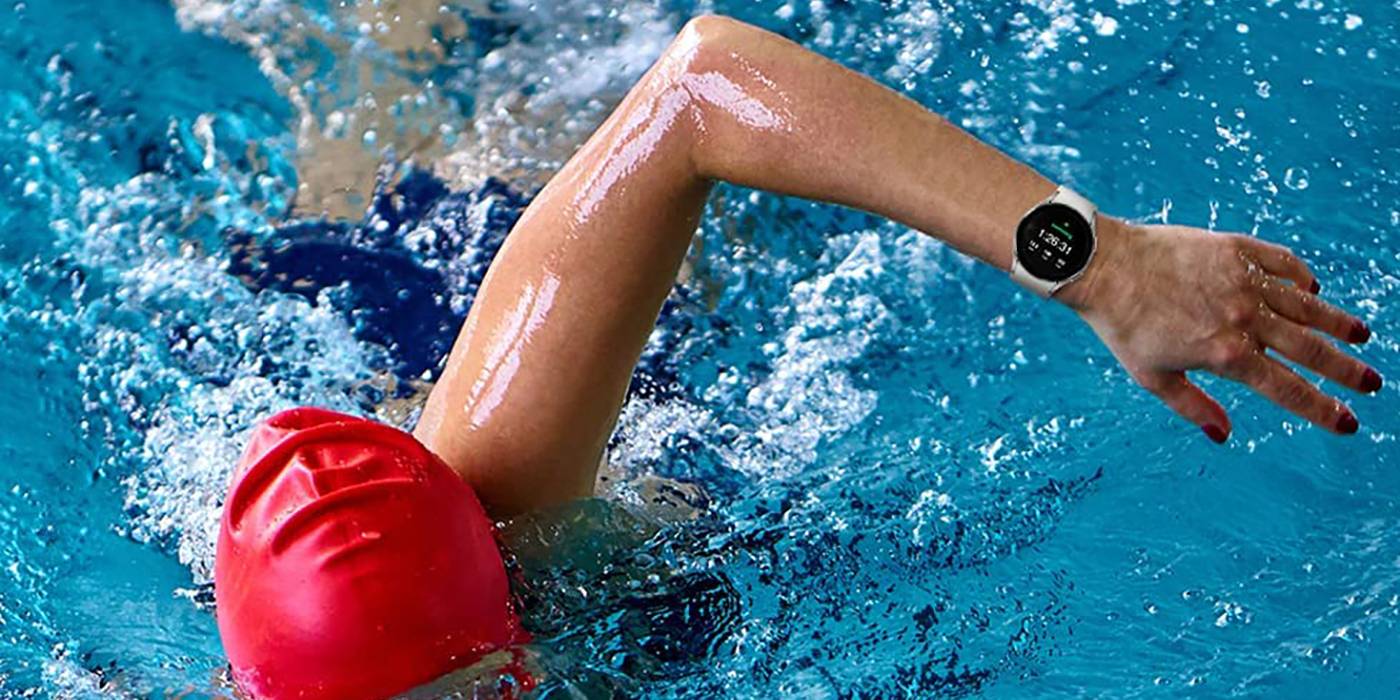

The Galaxy Watch 4 can be worn in the rain, submerged underwater, and even track some water-based activities. However, users should keep in mind that Samsung warns on a support page that “the watch is not intended for scuba diving.” It also suggests that users avoid high-velocity activities like water-skiing, windsurfing, kite surfing, and rafting. That's despite listing these activities within its supported sports modes, which include swimming, aqua aerobics, canoeing, kayaking, kite surfing, rafting, rowing, sailing, scuba diving, snorkeling, water-skiing, and windsurfing. To be safe, users should avoid wearing their watch when partaking in deep water or high-velocity activities.

Thus, it is advised that the Galaxy Watch 4 be limited to tracking swimming, canoeing, and aqua aerobics, as these are not high-velocity activities. In addition, it is recommended that the watch is rinsed in fresh water after using it in seawater. This is to remove the salt from seawater which can cause corrosion. After coming in contact with water, users should dry the watch with a clean and soft towel. It should also not be charged when wet.


Can You Shower With Your Galaxy Watch 4 On?
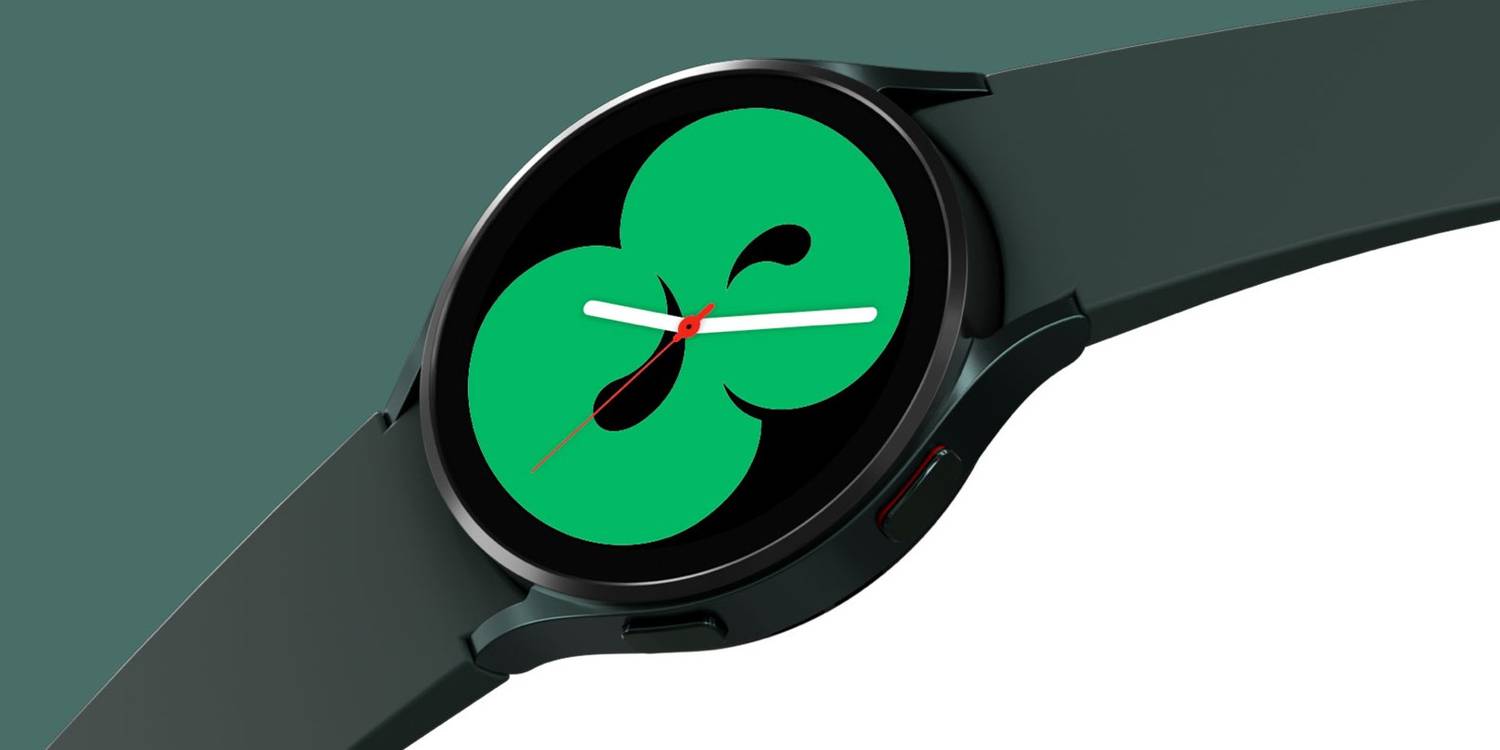

This level of water-resistance means the Galaxy Watch 4 is safe to wear in the shower, too. That’s good news for those who almost never take their watch off, eliminating one extra step (or the possibility of a broken device in forgetful moments) when it’s shower time. However, Samsung notes that the watch should not be exposed to water at high-pressure levels such as water from a high-pressure tap or hose, so users should be mindful.

Whether swimming or hopping into the shower, it’s best to turn on the Water Lock Mode to keep the device protected and prevent accidental inputs from the water touching the screen. This can be done by opening ‘Quick settings’ and tapping the icon for ‘Water lock mode.’ Users can also enable it by going to ‘Settings’ from the Home screen, then ‘Advanced features,’ and tap the ‘Water lock’ toggle. Initiating certain workout modes, like swimming, will turn this on automatically. Galaxy Watch 4 users should also note that their smartwatch can lose its water resistance if it is dropped on the floor and suffers structural damage.

Source: Samsung
Read More Comments

How To Take A Screenshot On The Samsung Galaxy Watch 5

How To Take A Screenshot On The Samsung Galaxy Watch 5

Just as one can take a screenshot on a phone, tablet, computer, and even a smart TV, it is possible to do the same on a smartwatch; here's how to go about it on the Galaxy Watch 5. The Galaxy Watch 5 is Samsung's latest smartwatch, alongside the Galaxy Watch 5 Pro. Like their predecessors, they run Wear OS with Samsung's One UI Watch on top.

Samsung's new watch packs several features, some of which are available on the Galaxy Watch 4, such as blood pressure monitoring, ECG, blood oxygen level monitoring and heart rate monitoring. However, that isn't to say there are no new features. For example, the Galaxy Watch 5 is the first Samsung watch with a temperature sensor.

There are several reasons why one may want to take a screenshot on a watch, and frankly, the same reasons why one takes a screenshot on any other device can apply to a smartwatch too. Whatever the reason, taking a screenshot on the Galaxy Watch 5 is relatively easy. To take a screenshot, press the Home and Back keys simultaneously. Then, the watch should vibrate along with an animation on the screen confirming the screenshot was captured.


How To View Screenshots Taken On The Galaxy Watch 5


Screenshots are saved on the watch as well as on the connected smartphone. To view a screenshot on the watch, swipe up from the bottom of the screen to open the app drawer. Locate the Gallery app (it is the pink one with a petal icon). Tap on it to open it, and the screenshot should be visible there. If the Galaxy Watch 5 is connected to a device, a screenshot taken on the watch is automatically sent to the device's gallery. A notification also appears on the device that says, "Watch screenshot saved." Tapping on the notification will open the image on the phone.

Unlike other devices with an app or tool for taking a screenshot, that isn't the case on the Galaxy Watch 5. Samsung doesn't even have a Quick Setting icon for taking a screenshot. Also, it isn't possible to ask the voice assistant to take a screenshot as is possible on an Android phone. This is because both Samsung's Bixby and Google Assistant don't recognize the command. Nevertheless, the only method available is quite simple and works not only on the Galaxy Watch 5 but also on the Galaxy Watch 4.

Read More Comments